

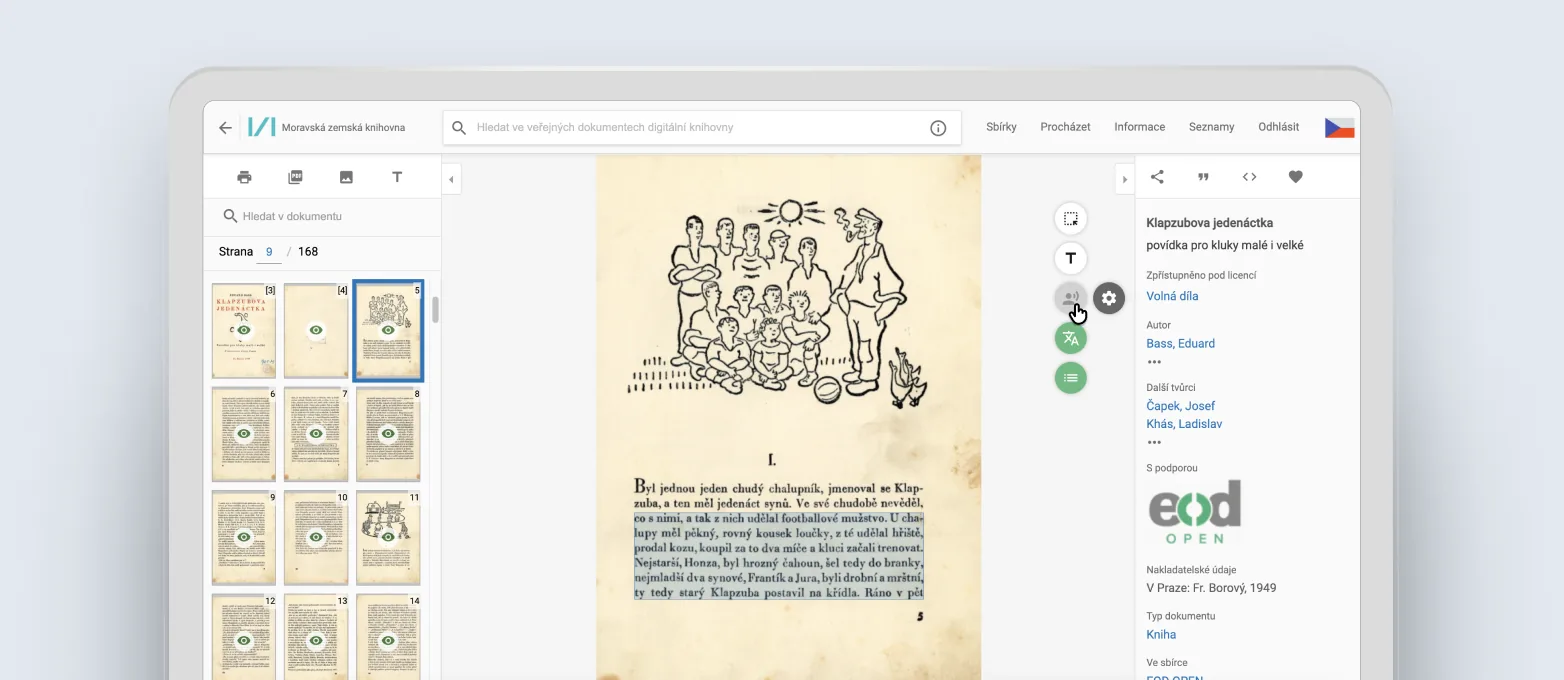
Text-to-speech
Imagine being able to have a book from a digital library read aloud to you just as comfortably as listening to an audiobook. The text-to-speech feature turns any available document into an accessible audio experience—perfect for moments when you want to take a break from the screen or multitask.
Features include:
- Automatic, fluid text-to-speech
- Choice of voice
- Automatic page turning
- Reading in your chosen language
Ideal for:
- Students reading academic or required literature
- Visually impaired users
- Anyone who enjoys multitasking (e.g., listening while cooking)
- All users who want to take a break from screen glare
Instant translations
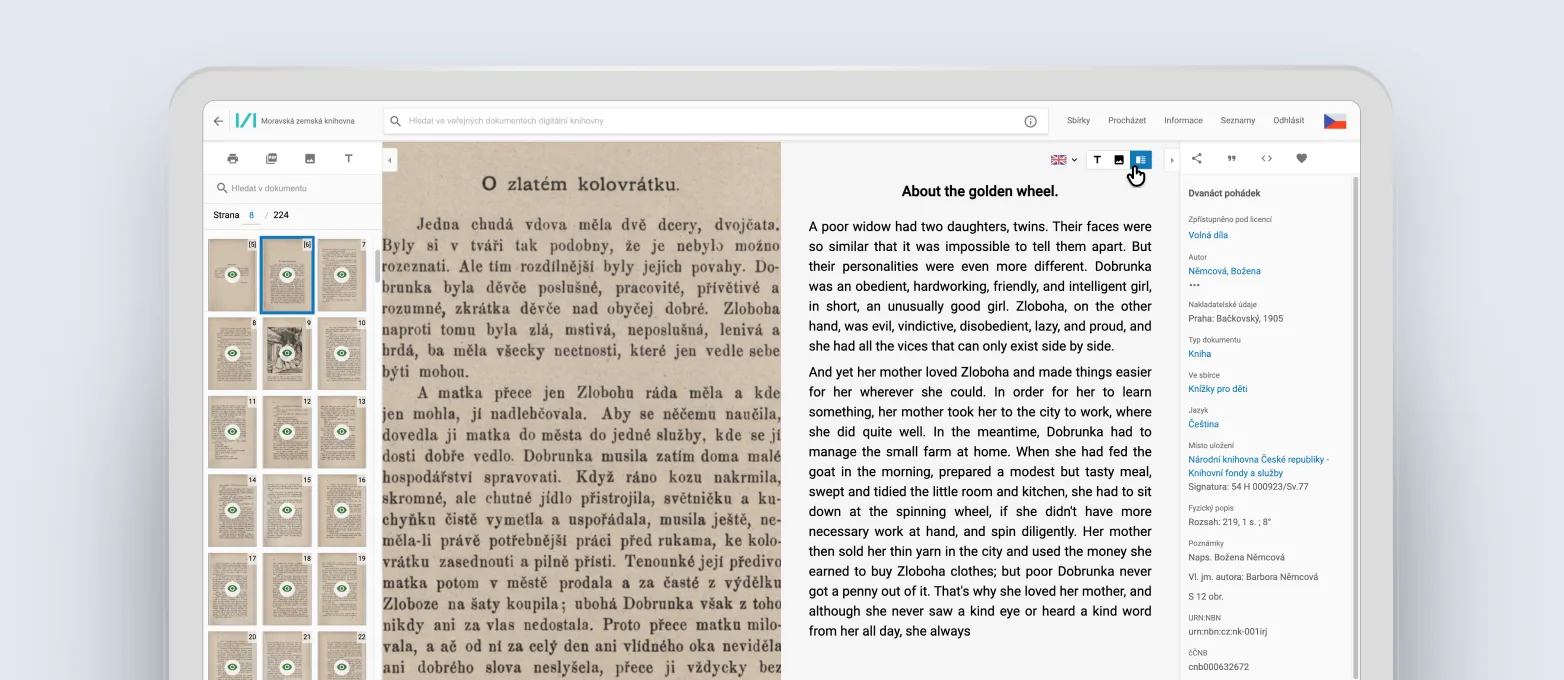
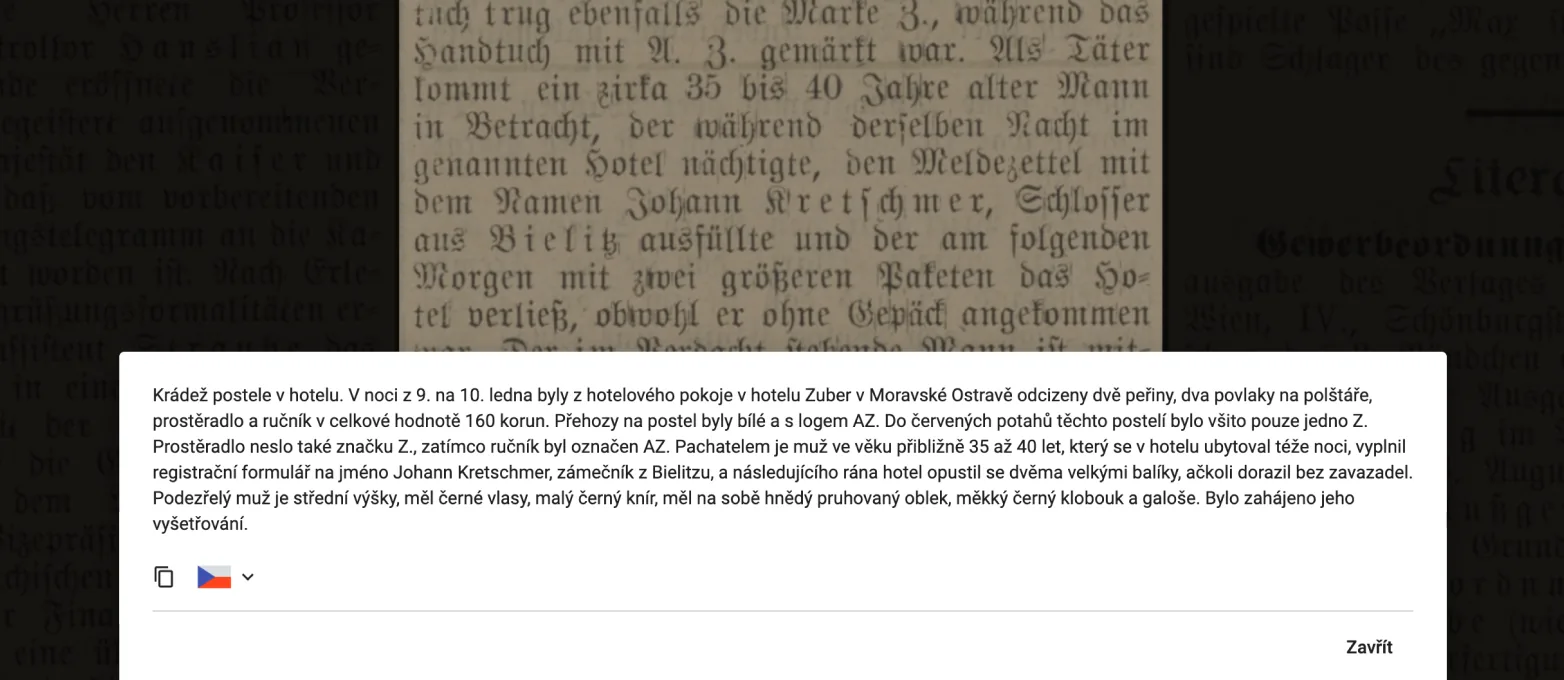
Previously, you had to copy text from digitized documents into an external translator—today, translation is integrated directly into the digital library. Thanks to this feature, you can read historical documents even in languages you don’t speak.
Benefits:
- Translate entire pages or selected sections
- Option to view the translation side-by-side with the original
- No need to switch between different tools
Typical use cases:
- A student browsing German newspapers from the Austro-Hungarian era
- A researcher verifying the meaning of a historical French source
- A curious reader diving into 19th-century English documents
- A researcher from abroad browsing Czech sources
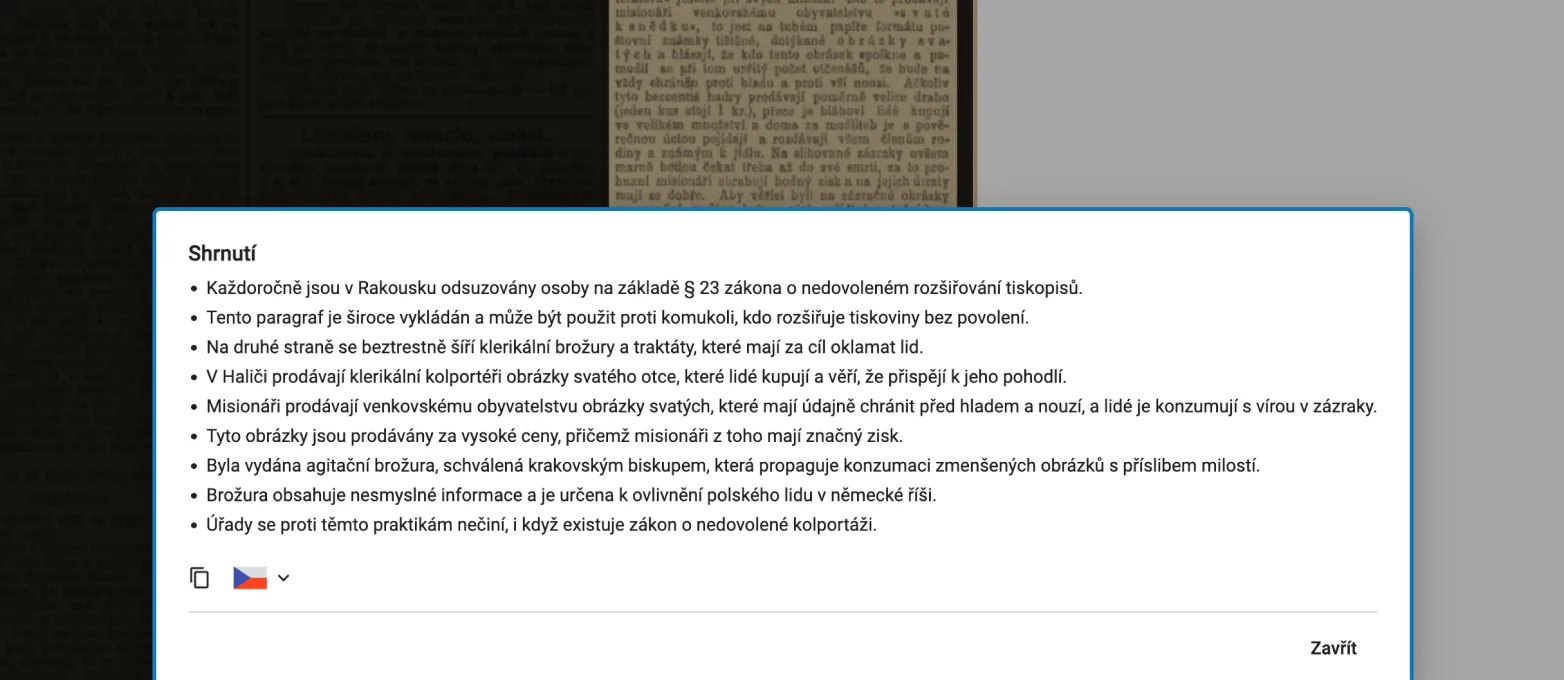
Content summary
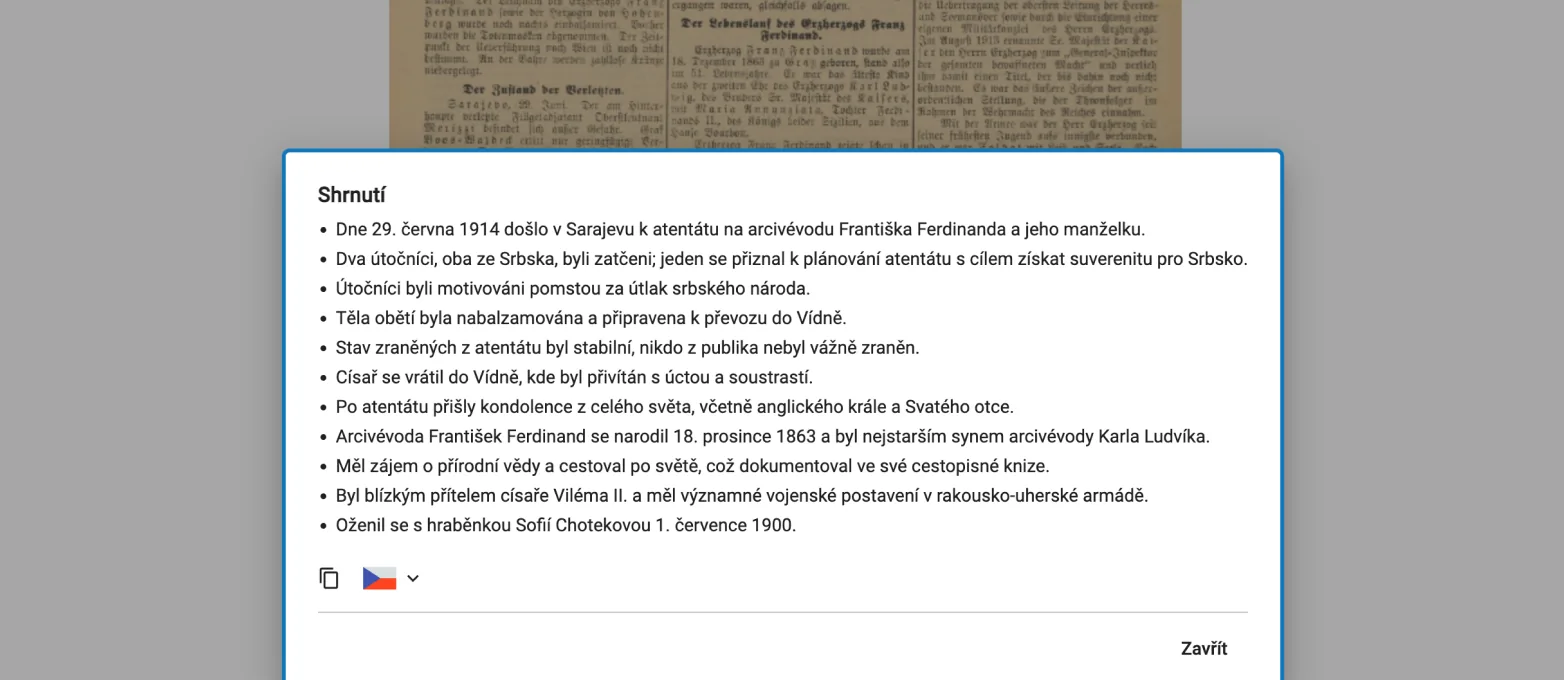
You don’t have to read hundreds of pages to decide if a document is relevant. The content summary feature, or summarization, creates a concise digest of the main points and helps you get oriented quickly.
What you get:
- A concise digest of main ideas
- A list of key points
- Summary available regardless of the original language
It helps you:
- Save time on research
- Determine if it is worth reading the entire document
Try it out!
AI features are available to all registered users and significantly simplify working with digitized documents. 👉 Try them out yourself in the Moravian Library Digital Library – just hover your cursor over the star icon in the top right of a selected document and choose the desired function.
Note: AI features are only available for public domain printed documents, such as books, newspapers, or magazines, for which the copyright protection period has expired.
What’s next?
We are also working on additional features, such as the ability to ask questions about an entire document—for example, generating a summary of a whole book or finding specific information within an entire newspaper issue. This feature is currently available to a select group of users. If you are interested, please write to us, and we will be happy to add you to our group of testers.
Want to know more about how AI is changing the way we work with digitized content?Follow our news regarding Krameria and discover everything you can now find, read, or analyze thanks to smart tools.
Or do you have an idea for improvement? All feedback is welcome, let us know via our contact form.